Magnetic CPL Phone Camera Filter
Magnetic CPL Phone Camera Filter
Couldn't load pickup availability
Cut glare. Reveal richer color and cleaner detail.
- Helps reduce reflections from water, glass, cars, and displays
- Rotating 52mm CPL filter for adjustable polarization
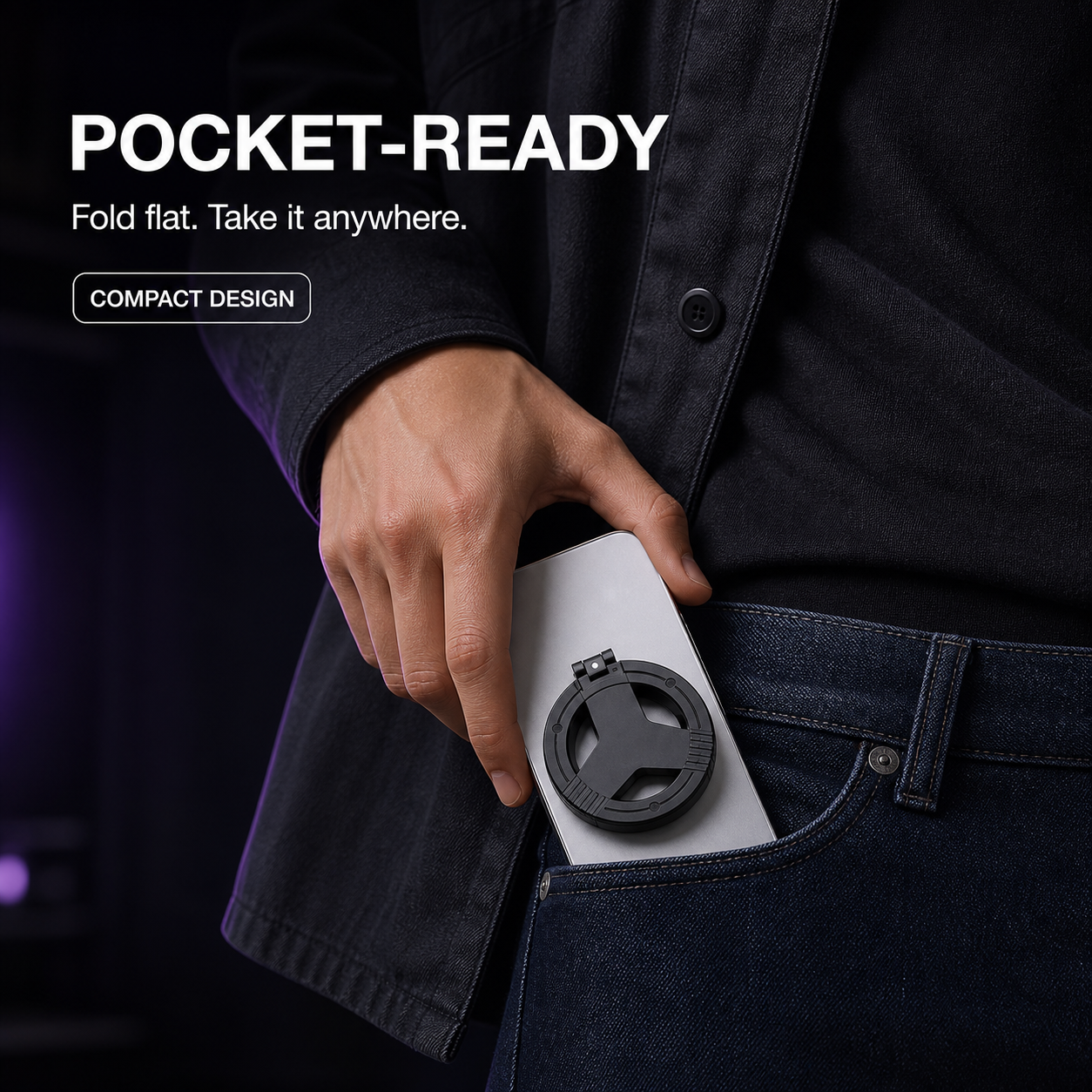
- Foldable, pocket-ready magnetic design
Compatibility: Designed for MagSafe-compatible phones and magnetic cases. Camera placement and magnetic strength vary by device, so check alignment before shooting.
How it works
How it works
1. Attach the magnetic holder to a MagSafe-compatible phone or magnetic case.
2. Unfold the holder and align the 52mm CPL filter over the camera lens you want to use.
3. Rotate the CPL ring while watching your screen until unwanted reflections are reduced.
4. Fold it flat after shooting for easy storage.
What is included
What is included
1 × Magnetic Filter Holder
1 × 52mm CPL Polarizing Filter
2 × Magnetic Adapter Rings
1 × Protective Filter Cap
1 × Storage Pouch
1 × Cleaning Cloth
Shipping and returns
Shipping and returns
Shipping rates and available delivery options are shown at checkout based on your destination.
Please inspect your order when it arrives and contact us promptly if the item is damaged, defective, or incorrect. Unused items in their original packaging may be eligible for return under our Refund Policy.
Product FAQ
Product FAQ
Does it work with every phone?
It is designed for MagSafe-compatible phones and magnetic cases. Camera placement and magnetic strength vary by device, so check alignment before shooting.
What does a CPL filter do?
It helps reduce reflections from non-metallic surfaces such as water and glass, while improving color and contrast.
Do I need an app?
No. Use your normal camera app and rotate the CPL ring to adjust the effect.
Will it remove every reflection?
No. Results depend on lighting, shooting angle, and the surface. Rotate the filter and adjust your position for the strongest effect.
Can I use every camera lens?
The filter can be repositioned over the camera you want to use. Depending on your phone's camera layout, it may cover one lens at a time.
Share